
How It Works YouTube to MP3 Converter? – Complete Step-by-Step Guide
Converting YouTube videos into high-quality MP3 audio files on ytomp3converter.com is fast, simple, and 100% free. Our web-based utility tool processes public video links in real time, allowing you to extract crystal-clear audio without downloading heavy video files, installing third-party software, or creating a user account.
Whether you want to listen to educational lectures, podcasts, ambient background sounds, or personal music clips offline, our platform delivers an intuitive experience across all desktop, mobile, and tablet web browsers.
Step-by-Step Audio Extraction Guide
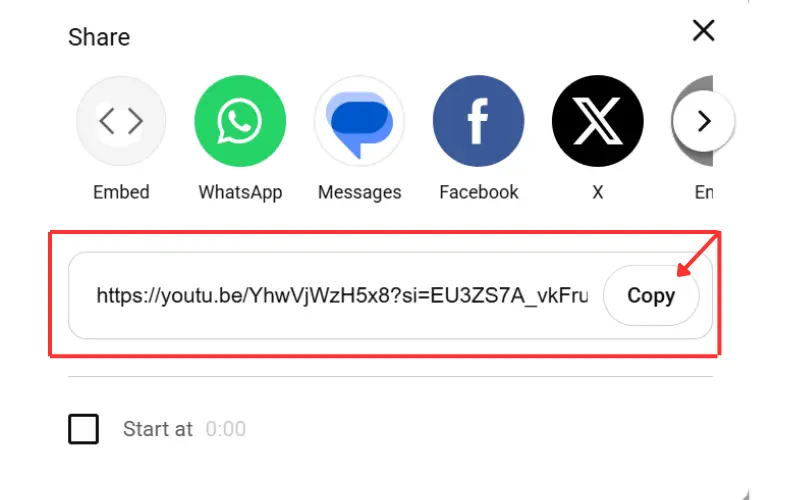
Step 1: Copy the Source Video Link
- Open YouTube on your browser or mobile app.
- Search for the video, podcast, or spoken track you want to save.
- Copy the URL directly from your browser’s address bar.
- Mobile Users: Tap the Share button beneath the video player and select Copy Link.
Supported Formats: Our system accepts all standard YouTube video URLs, shortened youtu.be links, and YouTube Shorts URLs.
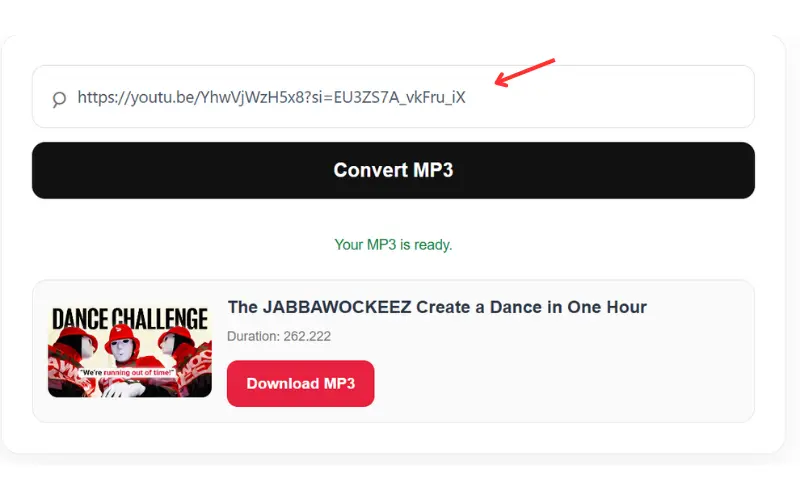
Step 2: Paste the Link into Our Converter
- Navigate to ytomp3converter.com in your preferred web browser.
- Locate the prominent input conversion box at the top of the homepage.
- Right-click and select Paste (or press
Ctrl + V/Cmd + V) to insert your copied link.
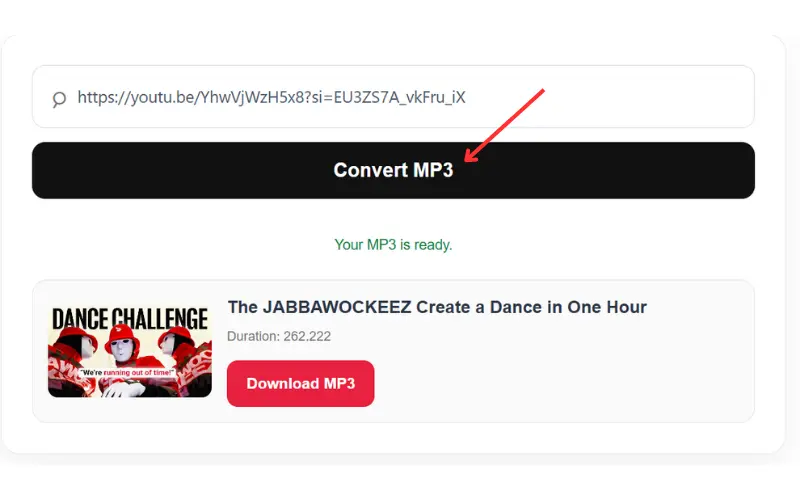
Step 3: Initiate Audio Processing
- Click the Convert button next to the input box.
- Our backend servers will instantly analyze the public URL, parse the source stream, and extract the high-bitrate audio track.
- The process usually completes in less than 5 to 10 seconds depending on the original video length.
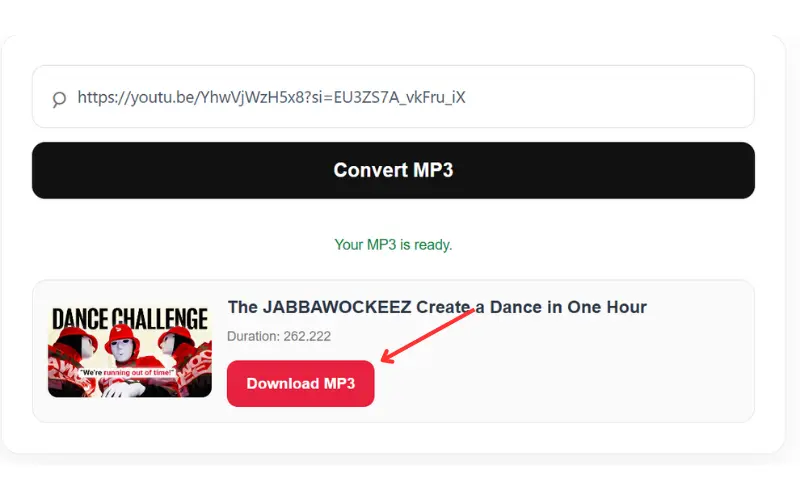
Step 4: Download Your MP3 File
- Once processing is complete, a Download MP3 button will appear on your screen.
- Click the download button to transfer the audio file directly to your local device storage.
- Open your device’s default music player or files app to enjoy offline playback anytime.
Key Technical Features
- High-Bitrate Audio: Extracts clean audio tracks up to 320kbps for enhanced listening quality.
- Universal Browser Support: Fully operational on Windows, macOS, Linux, iOS, and Android platforms without requiring browser plugins.
- Zero Registration Needed: Enjoy fast conversions without sharing personal data, email addresses, or account credentials.
- Bandwidth Saving: Downloading standalone MP3 audio files uses significantly less data and storage compared to full HD video downloads.